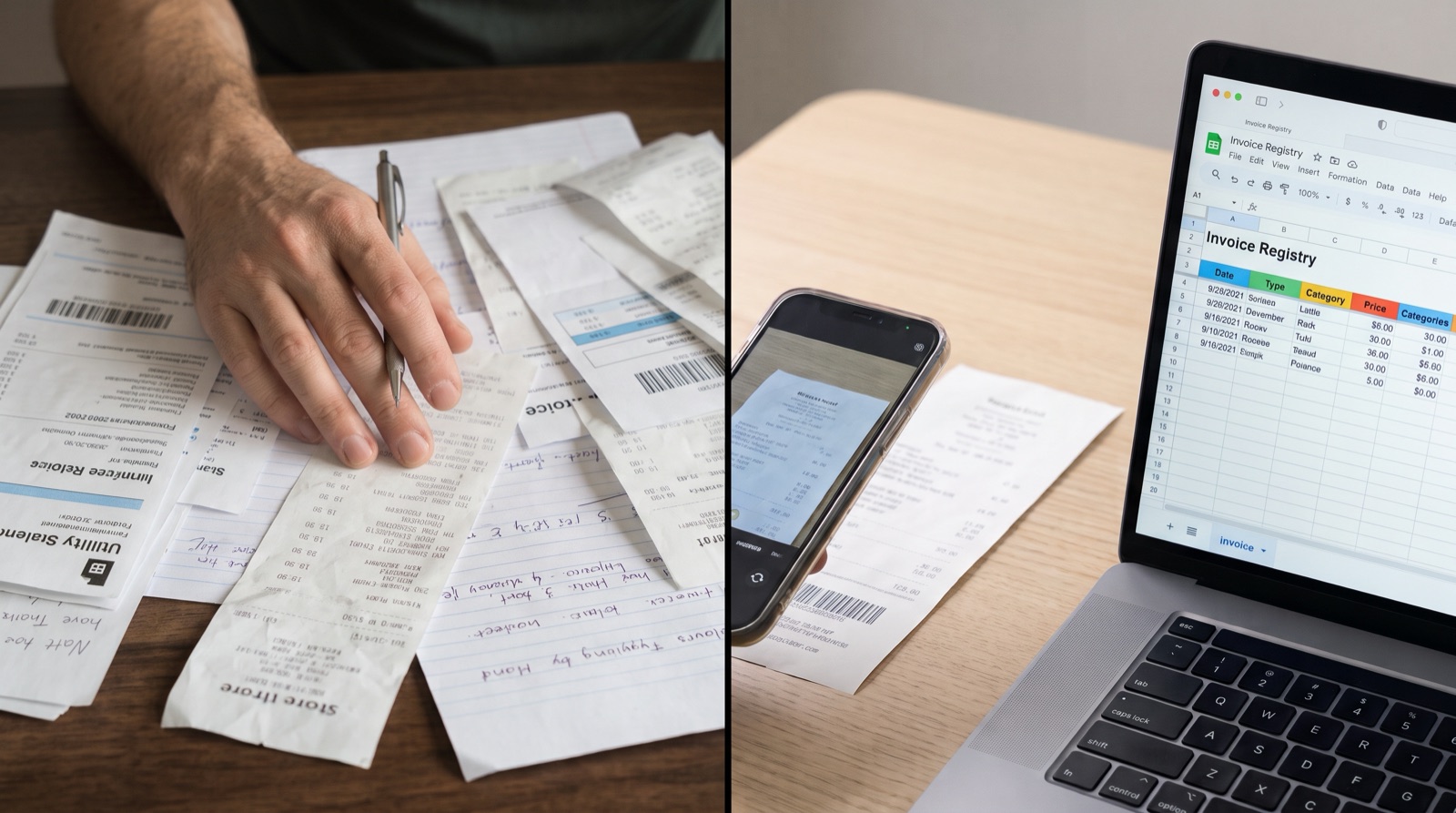
The end-of-month receipt nightmare
Every business owner and freelancer knows the dread of “receipt day.”
It is Sunday night, your accountant needs your documents, and tax season is looming. You are digging through email for vendor invoices, fishing crumpled fuel receipts out of your wallet and squinting at your phone to type VAT numbers and totals into a spreadsheet.
For every single invoice, the routine is the same:
- Open the PDF.
- Copy the vendor name, invoice number, date, subtotal and VAT.
- Paste it all into a spreadsheet.
- Rename the file and move it into a folder.
- Repeat for the next invoice.
At a few minutes per invoice, a month’s paperwork quickly turns into hours of pure data entry. Most people assume the only fix is complex accounting software that takes weeks to learn and adds one more portal to log in to.
There is a simpler way, and it works inside a tool you already use every day: Google Drive.
Drop invoices in Google Drive. Get them in Google Sheets.
One click to start, with no setup and no contract. Stop any time: your folders and sheets stay in your Drive.
Try QuoteDriveWhat if your Drive folder did the typing?
What if you never had to open a spreadsheet to log an invoice again? What if your accounting prep was just taking a photo of a receipt, or dragging a PDF into a folder, and walking away?
That is the workflow behind QuoteDrive, an independent tool that connects to your Google account. It doesn’t replace your storage. It reads the documents you put in one folder and writes the results back into your own Drive.
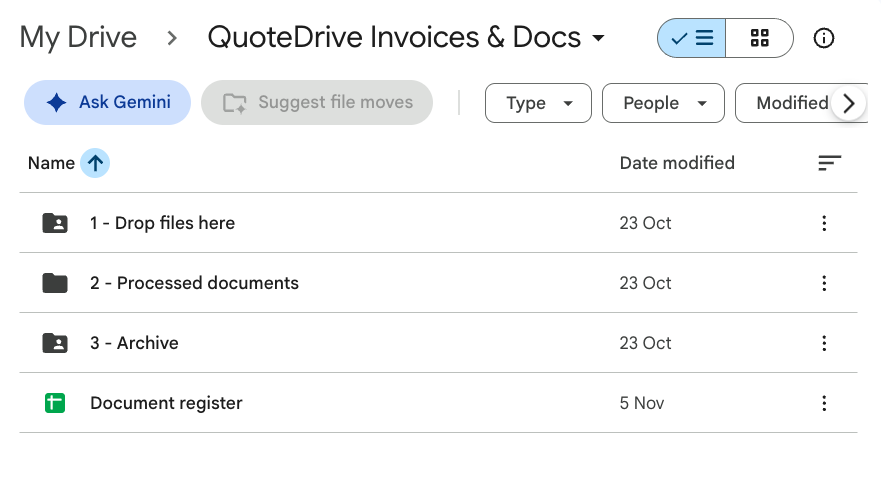
How it works: drop it and forget it
Sign in with Google and your folders are ready in seconds. From then on, your document routine comes down to three steps, and only the first one is yours.
1. Drop your documents into the folder
Whenever an expense comes up, put the document in “1 - Drop files here”.
- Paid for a business lunch? In the Google Drive app, scan the receipt or upload a photo to the folder.
- Got a subscription invoice by email? Forward it to your QuoteDrive address, or drag the PDF in from your desktop.
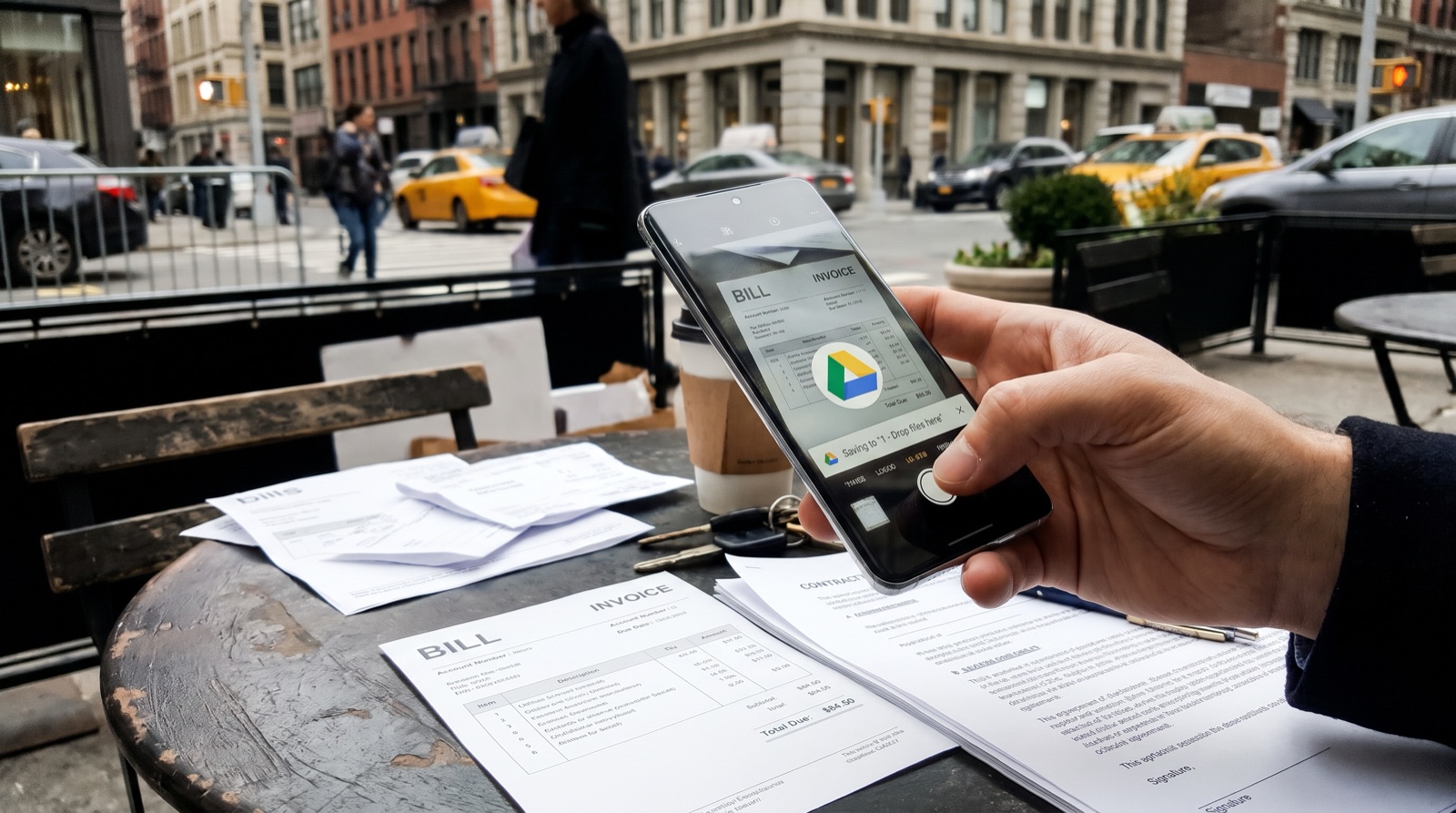
2. It is read in the background
There is no “Process” button and no browser tab to keep open. QuoteDrive picks up new files in regular rounds, usually within a few minutes, and reads them with AI:
- Vendor name
- Invoice or receipt number
- Issue date and due date
- Net amount, VAT and total
3. Everything is filed for you
- A register sheet: one Google Sheet with a row for every invoice, ready for you or your accountant.
- A sheet per invoice: each document gets its own Google Sheet with its details, sorted by month.
- A tidy archive: the original file moves to “3 - Archive”, so nothing gets lost or processed twice.
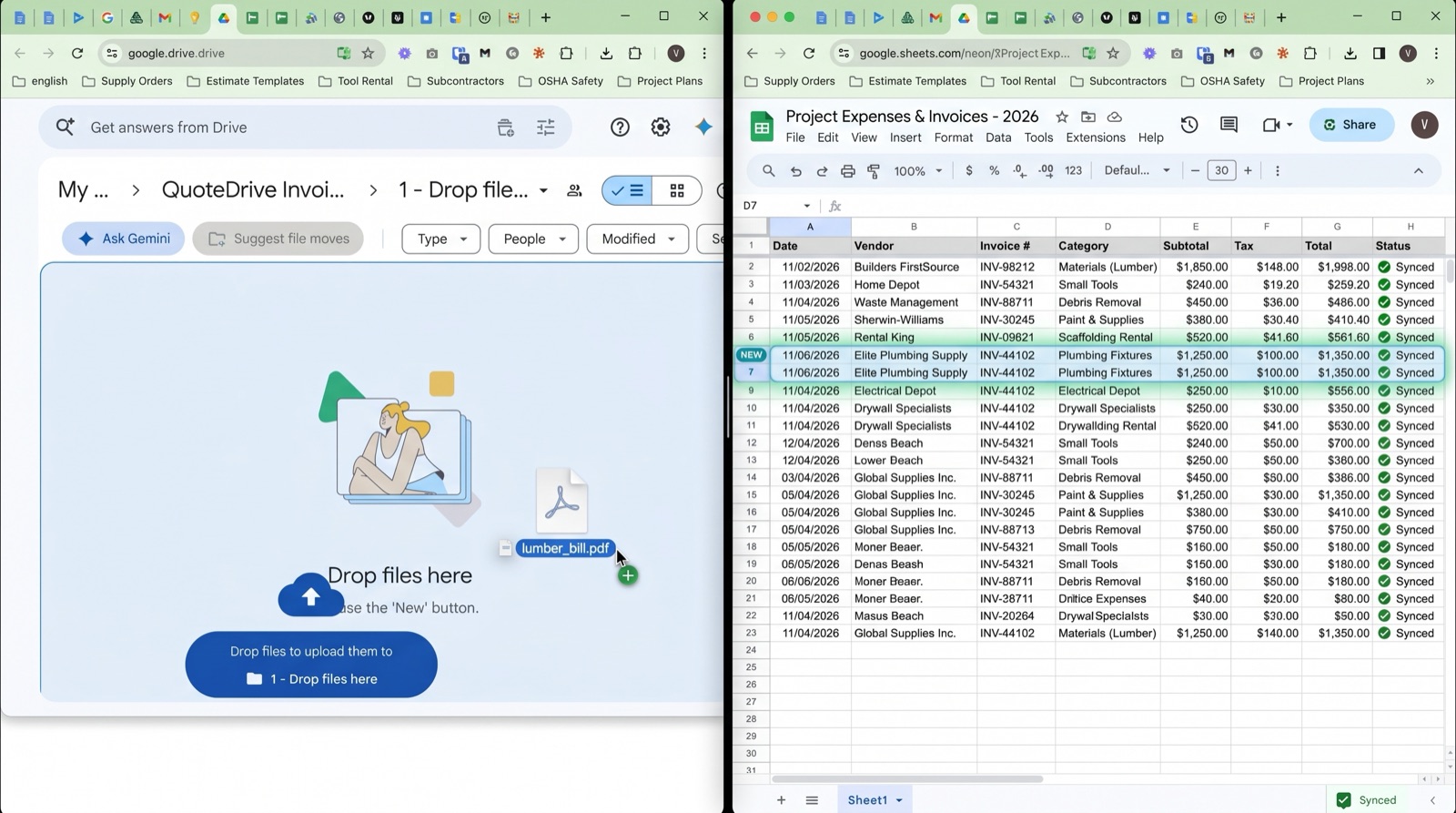
Why it is simpler than accounting software
- Nothing new to learn. You stay in Google Drive and your inbox. You, your partner or your assistant already know how to drop a file into a folder.
- Ready for your accountant. Instead of 40 attachments, you share ordinary Google Sheets and a folder link.
- You stay in control. AI can misread a value, so check the figures before you rely on them. Fix anything in the sheet, and the original file is always kept.
What QuoteDrive can and can’t see
The narrowest Google permission. QuoteDrive can only access the folders and files it creates, never the rest of your Drive.
Your originals are kept. Nothing is deleted. After reading, the original file moves to “3 - Archive” in your own Drive.
Built and supported in the EU. QuoteDrive works under EU law, including the GDPR.
The details are in the QuoteDrive privacy policy.
Try it on your own invoices
Stop spending your evenings as an unpaid data-entry clerk for your own company.
Sign in with Google, drop in your first invoices and watch your register sheet build itself. You pay only for what you process, about €0.08 per invoice on average, with free credits every month and no contract.
No credit card required to try. QuoteDrive is an independent product and is not made or endorsed by Google.